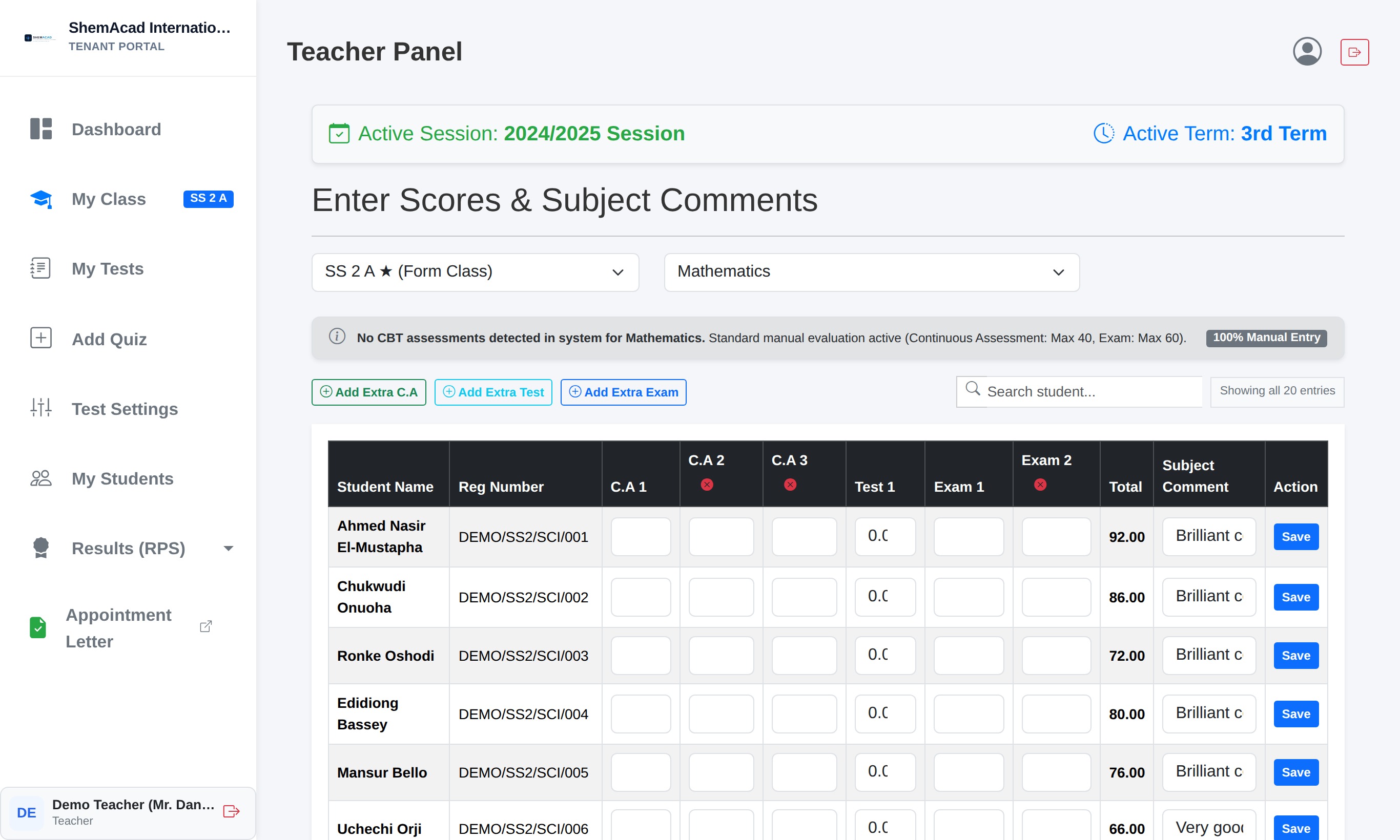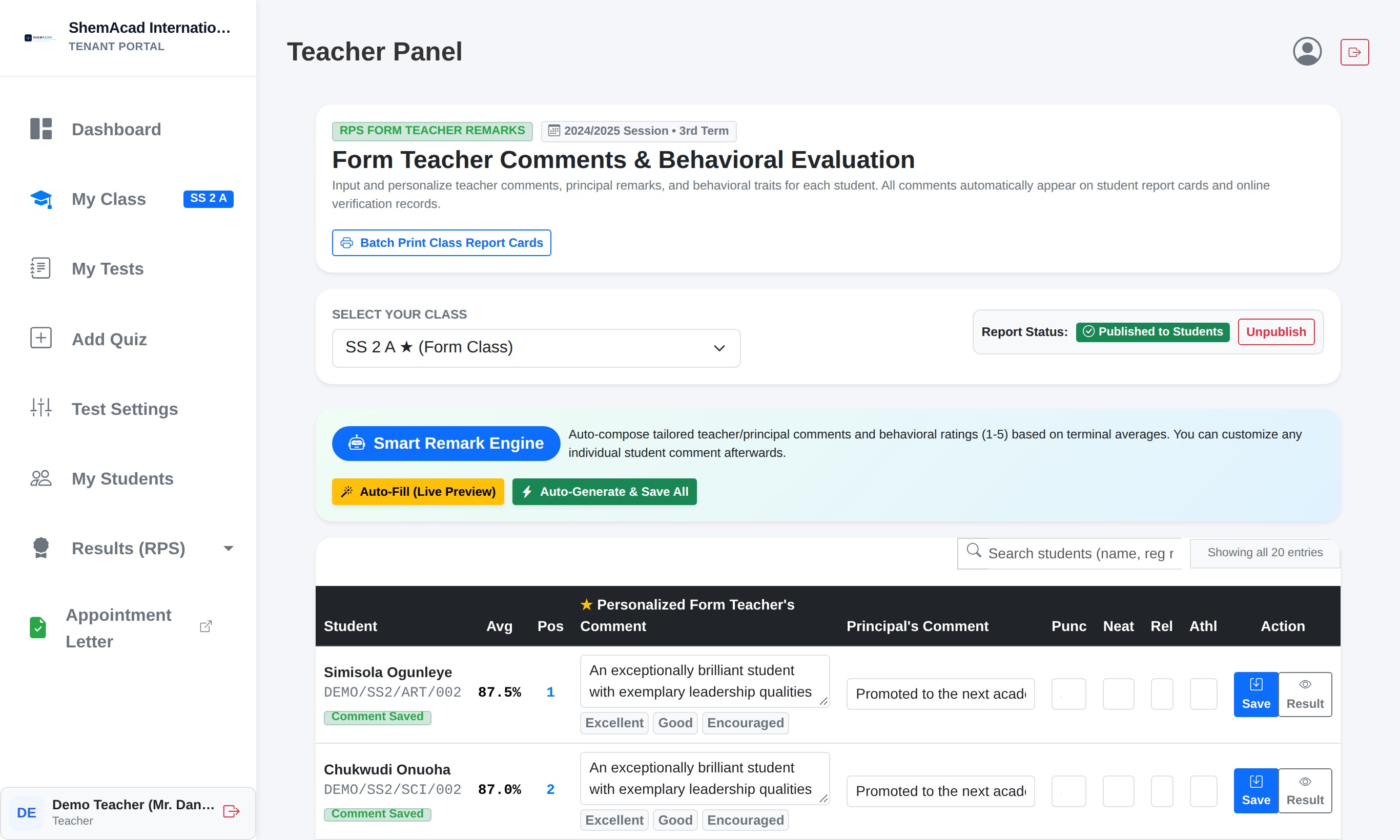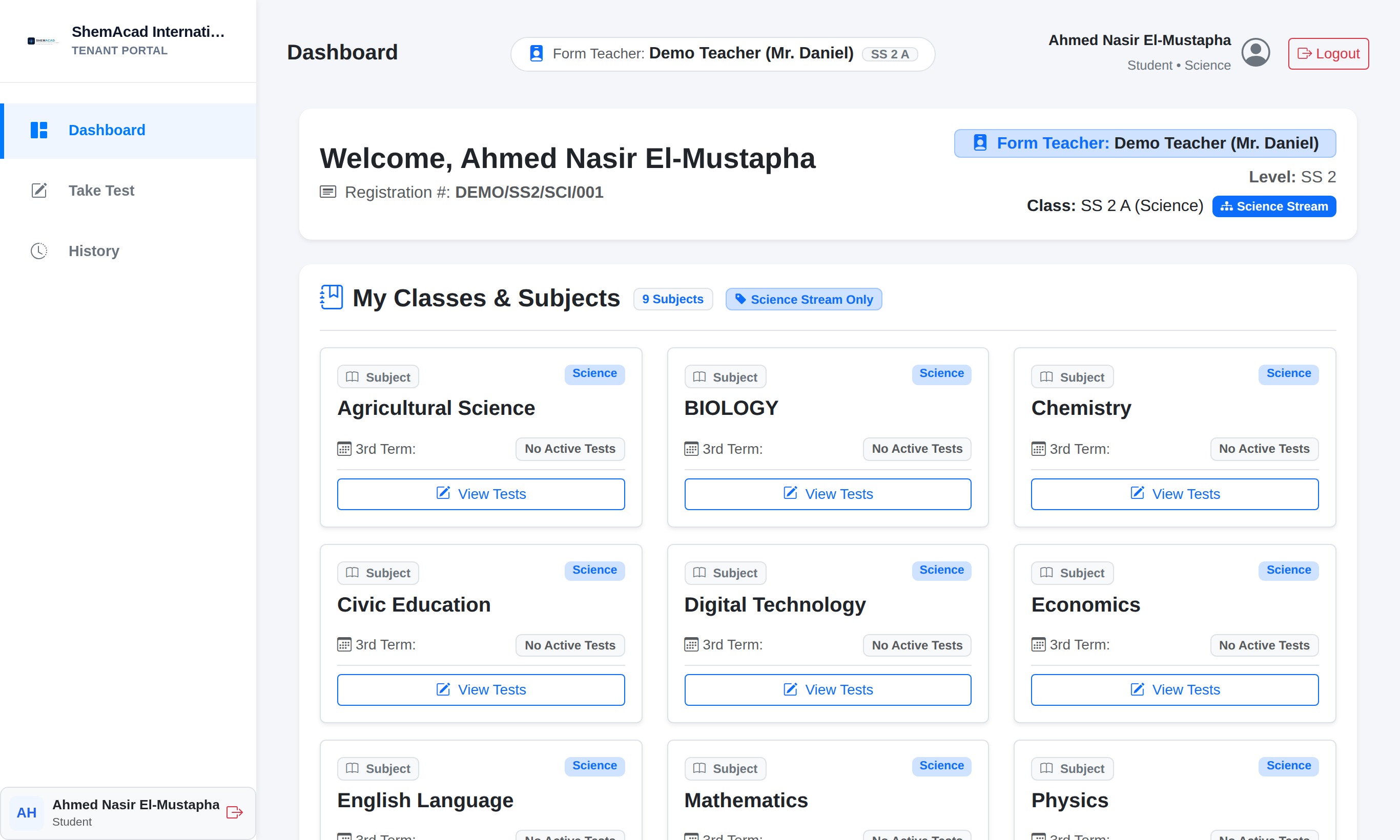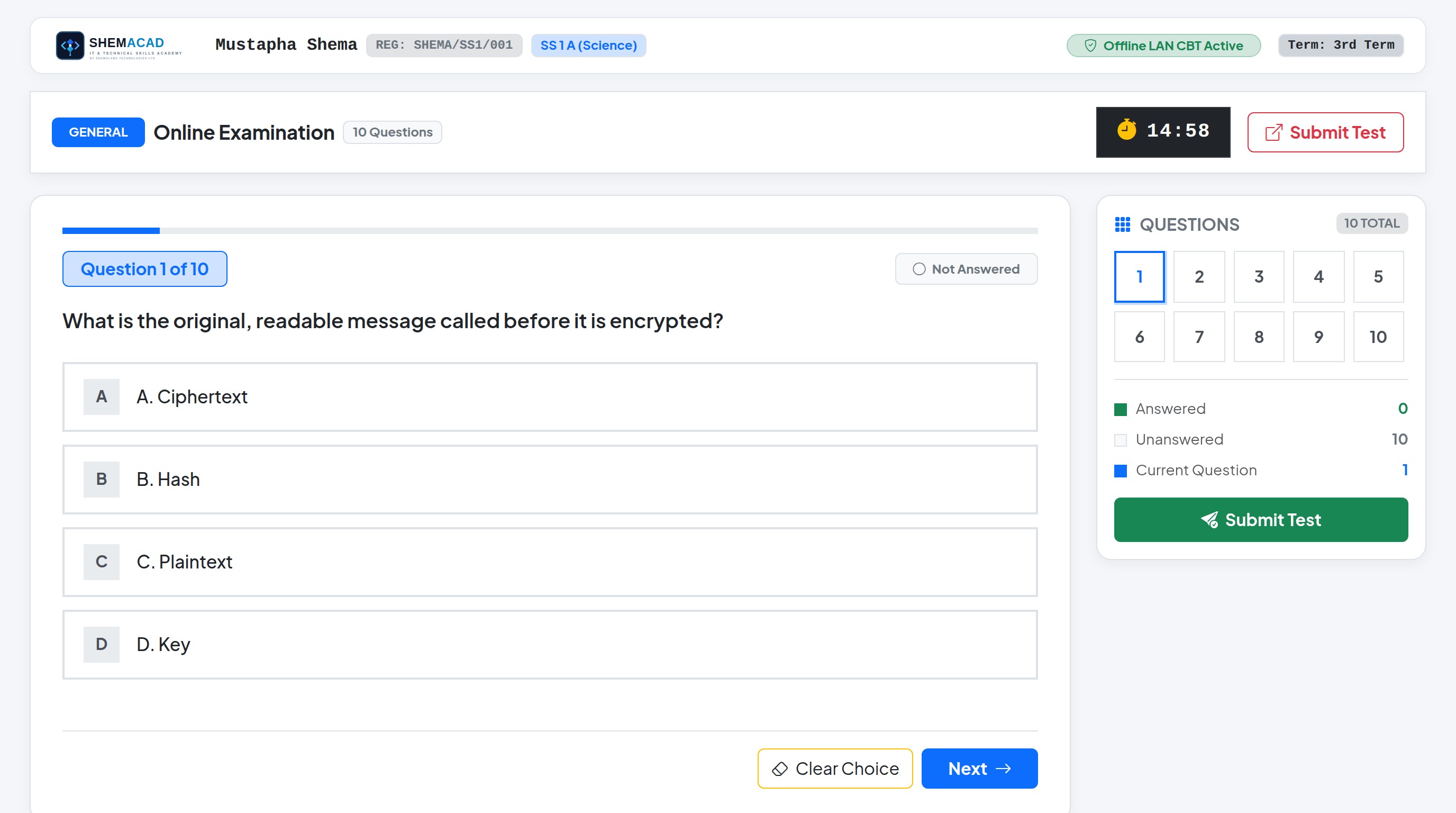
Step 1.1
All Users
Opening the School Portal Gateway
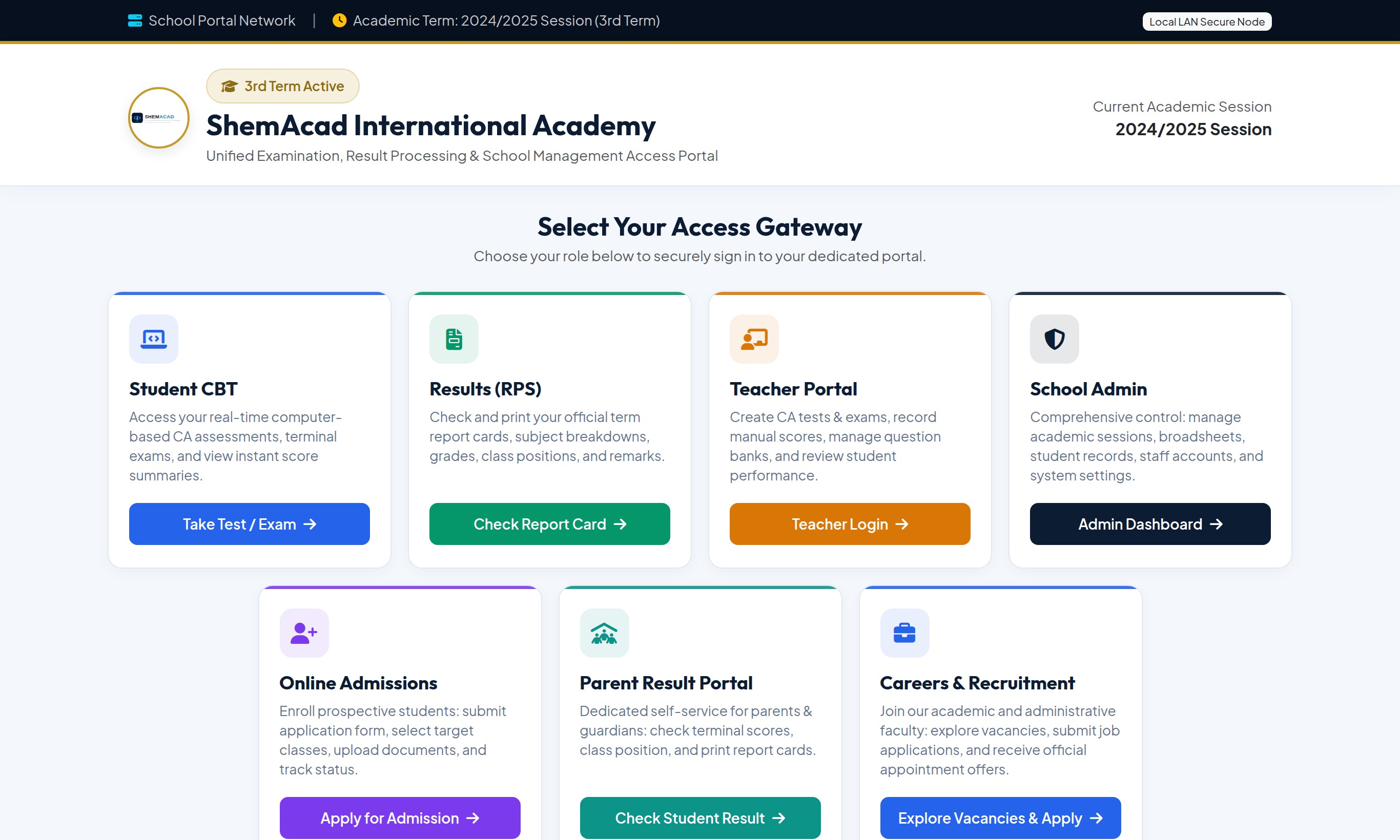
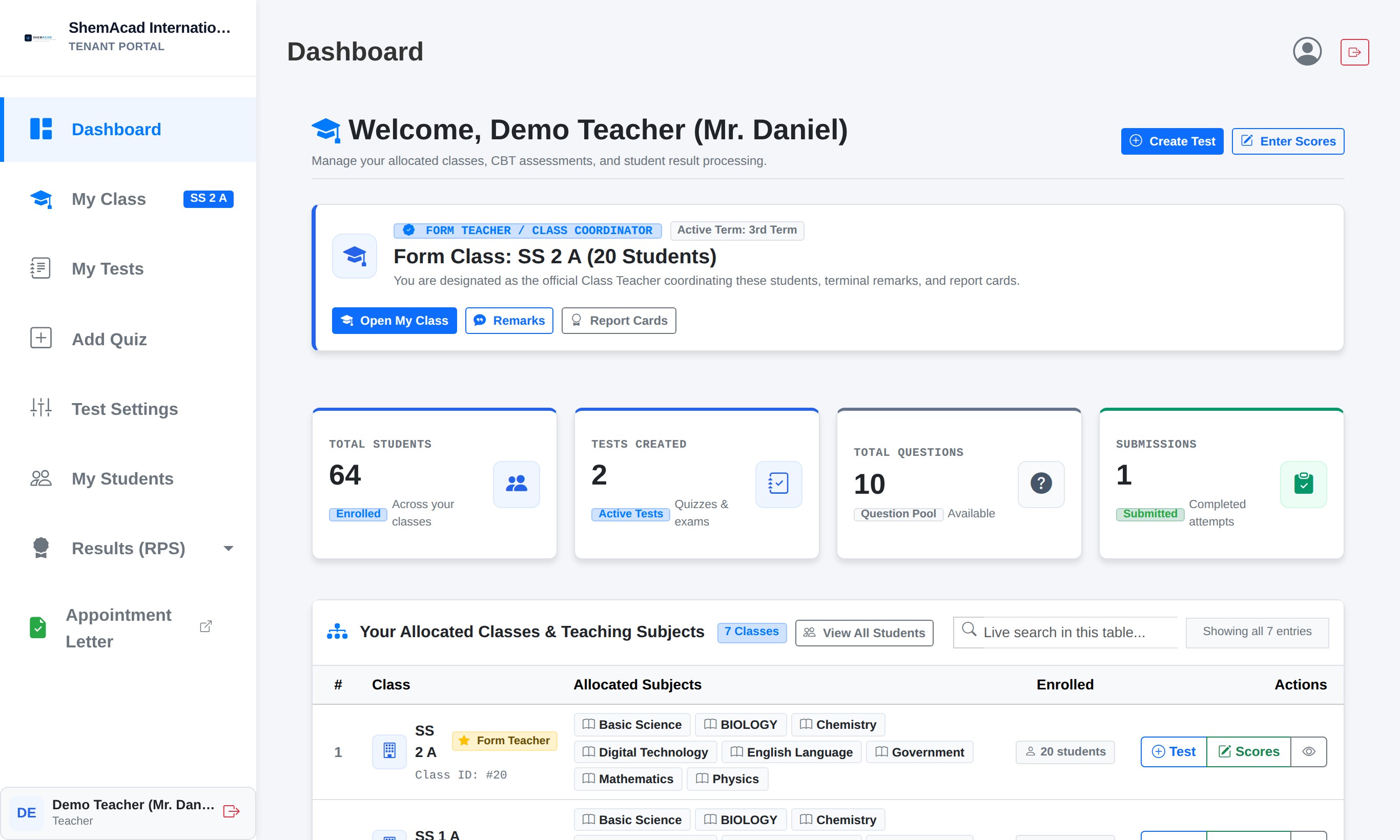
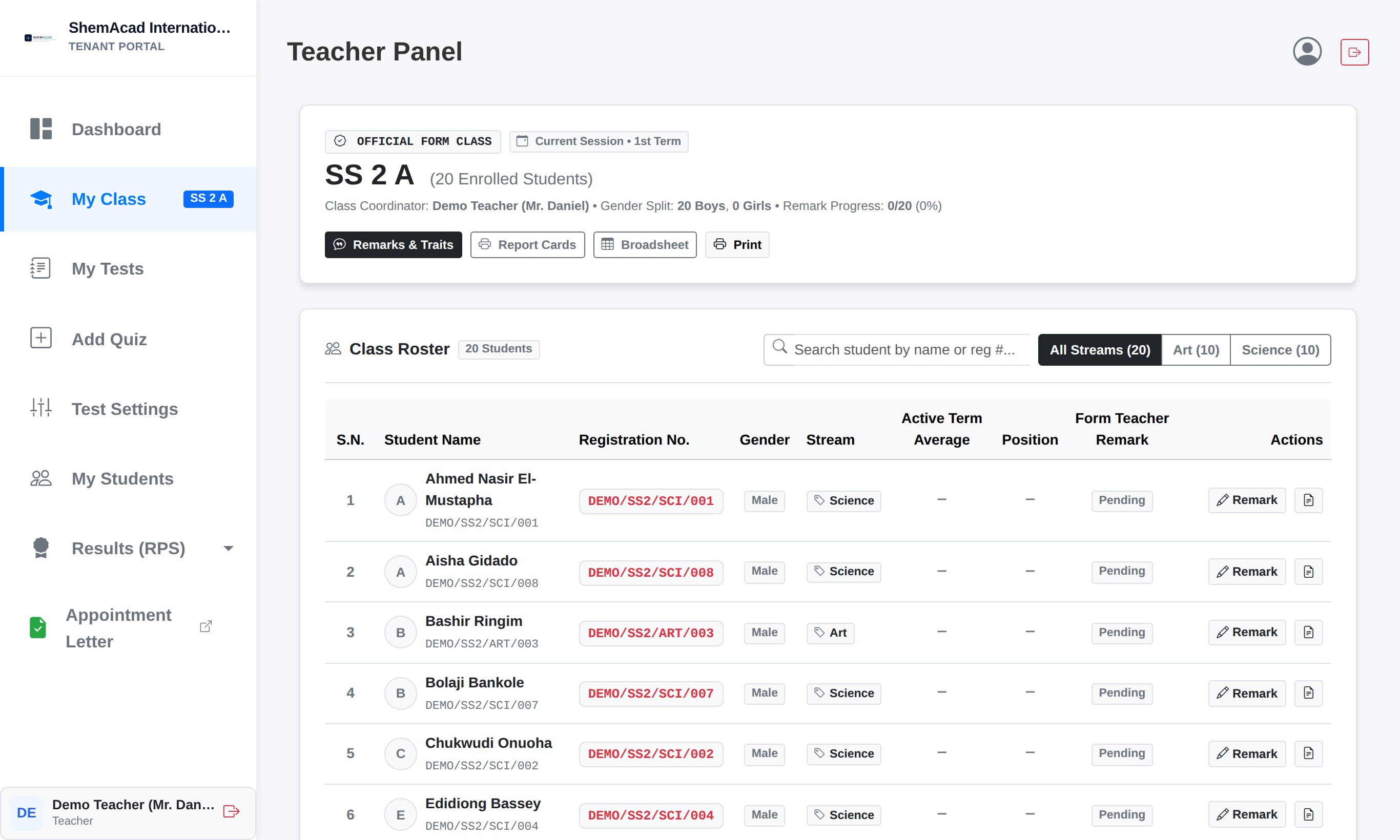
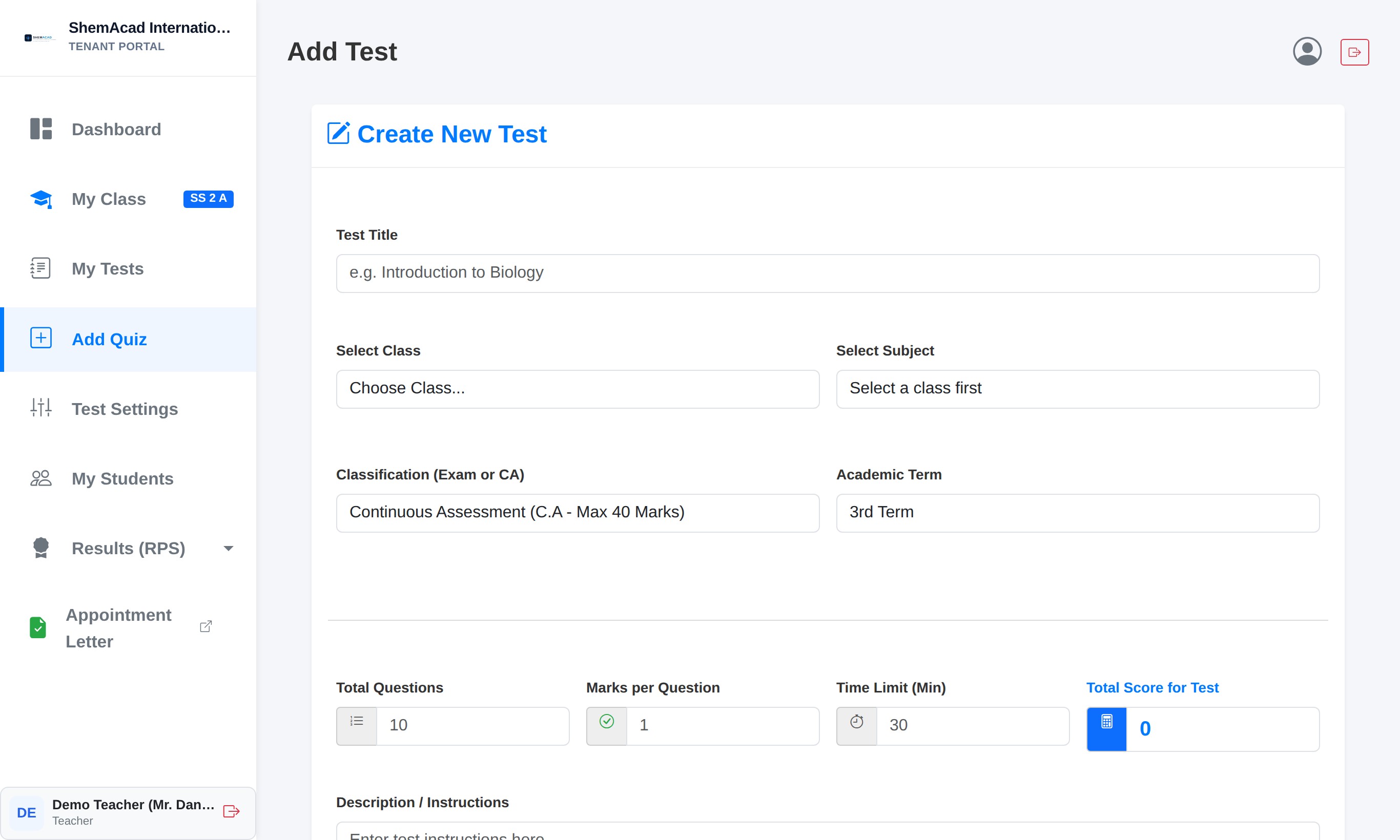
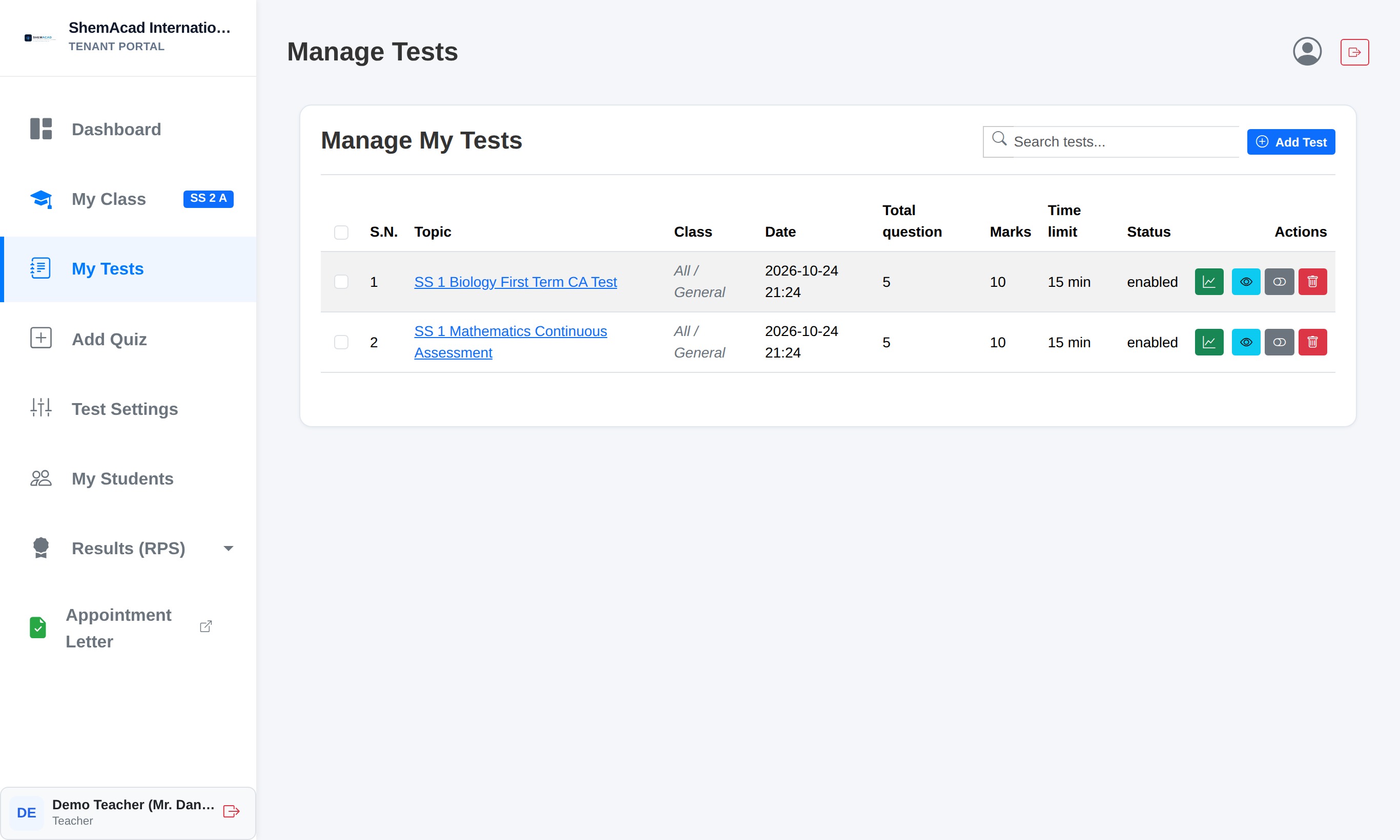
When you visit your school's portal address in Chrome, Edge, or your phone browser, you arrive at the Access Gateway. At the top banner you can always see the active academic session and current term.
- Look at the role cards in the center of the screen.
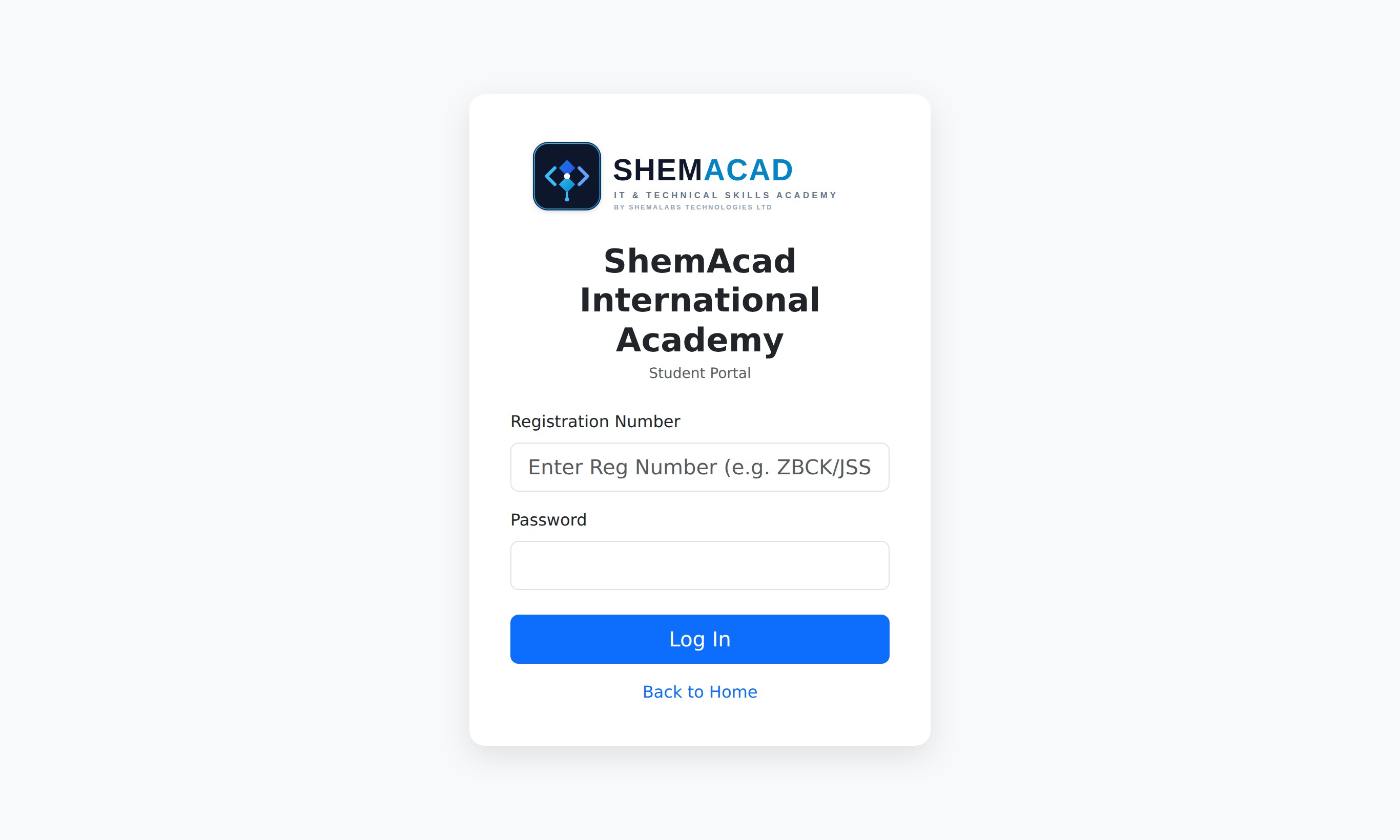
- Click Take Test / Exam if you are a Student.
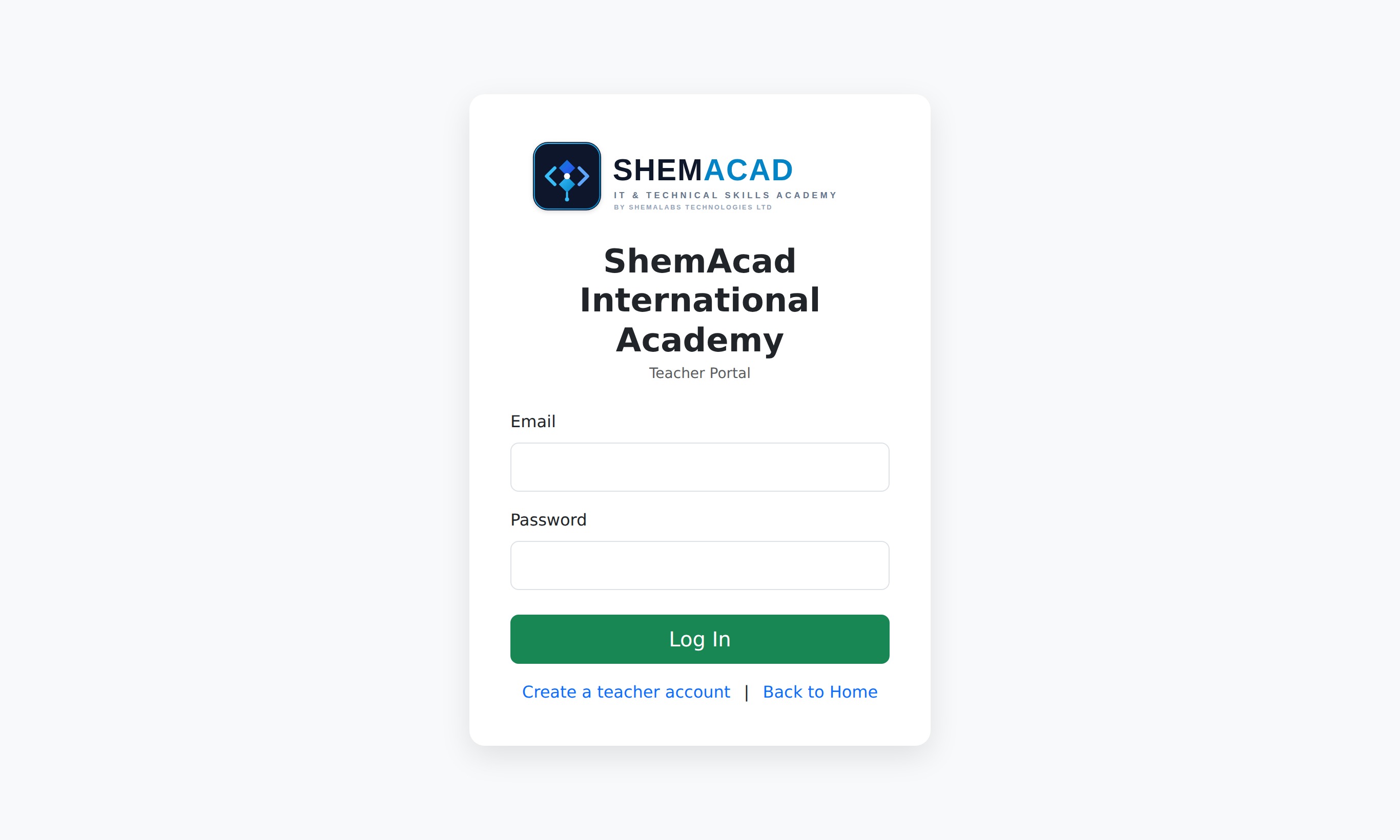
- Click Teacher Login if you are a Subject Teacher or Form Teacher.
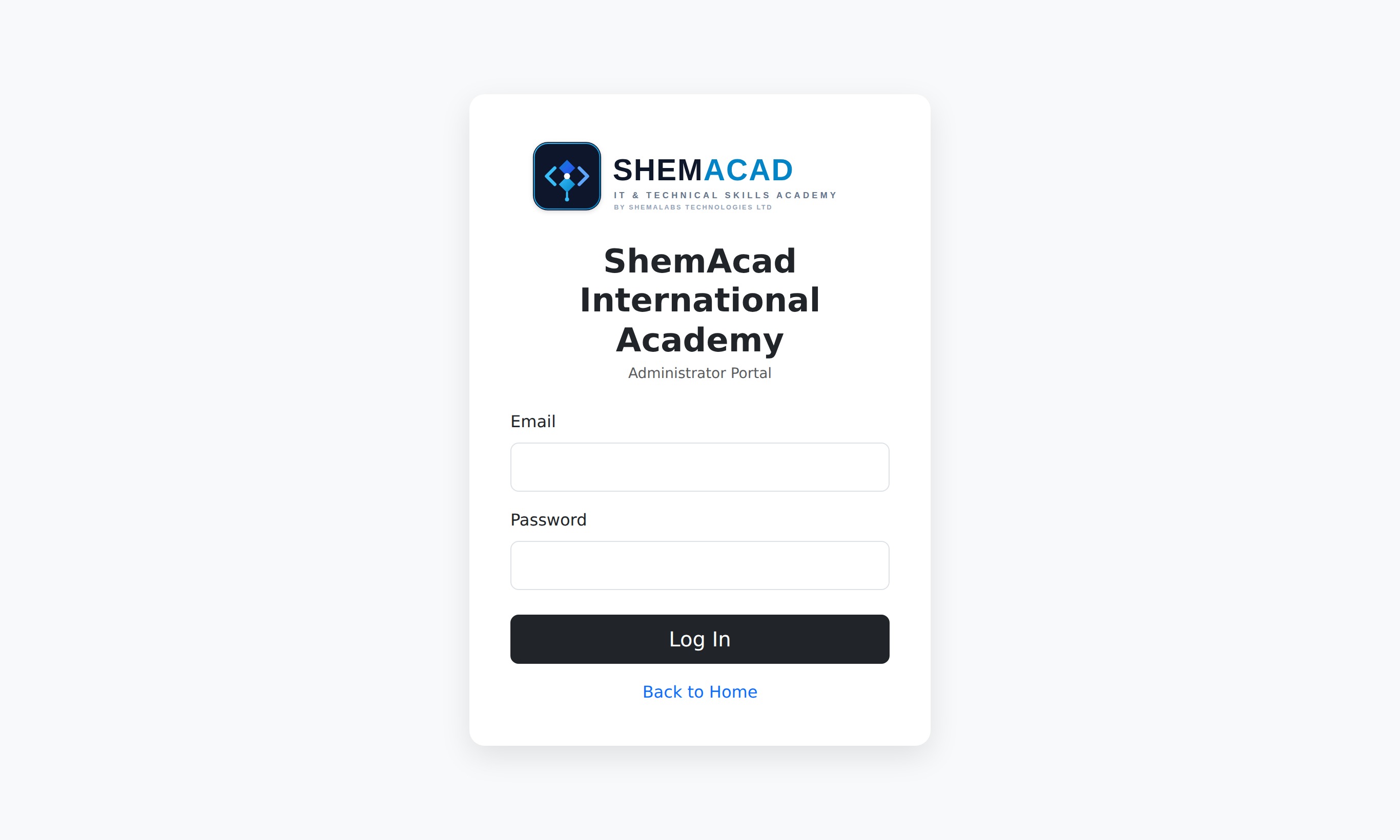
- Click Admin Dashboard if you are the Principal, Exam Officer, or School Admin.
- Click Check Student Result on Parent Result Portal (or Check Report Card where shown) to check term report cards.
Helpful Tip
Ask your School Administrator to bookmark your school portal link on all school lab computers and share it on parent WhatsApp groups.